
How to Crop a Discord PFP Without Cutting Your Face (2026)
A Discord PFP cropper lets you drag a photo under a circle and download a square. It only moves pixels that are already in the file. If the sides of your hair or your ears already meet the edge, dragging chooses which part of your head gets hidden. It cannot zoom out past the photo.
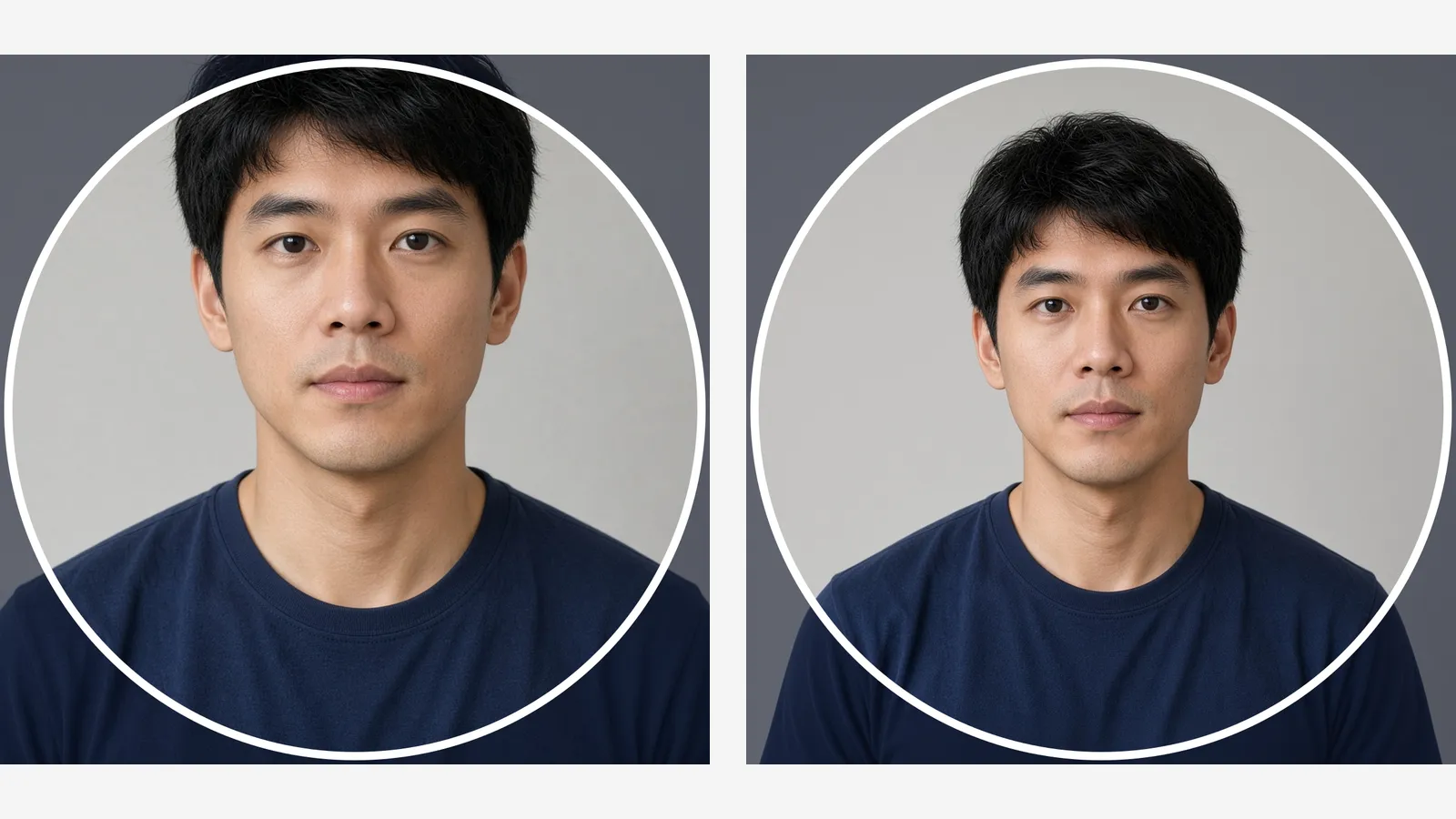
Discord stores that square and draws a circle over it in chat, the member list, and the profile card. The corners of the square disappear. A headshot that looks complete as a square often loses the sides of the hair once the circle is on. The fix depends on whether the file still has unused background.
The face already fills the photo
Photo Extender adds wall or background around a tight photo so you can crop a square afterward. It does not draw Discord's circle.
Add room around the photo →
Left: the circle meets the sides of the hair. Right: the same kind of portrait with the head inside the circle. The dark corners are what Discord hides.
What a Discord PFP Cropper Actually Cuts
You upload a square. Discord masks it to a circle everywhere the avatar appears. Anything in the four corners of that square is still in the file, and nobody in a server sees it. Ears, the outer hair, and a logo parked in a corner are the usual losses.
Discord's help page lists PNG and GIF for avatars, and an animated GIF needs Nitro. That page does not publish a required pixel size. The croppers on the first page of this search export 512×512, and some also offer 1024×1024, because the same file is shown tiny beside a message and larger on a profile. Give Discord the square. Let Discord draw the circle.
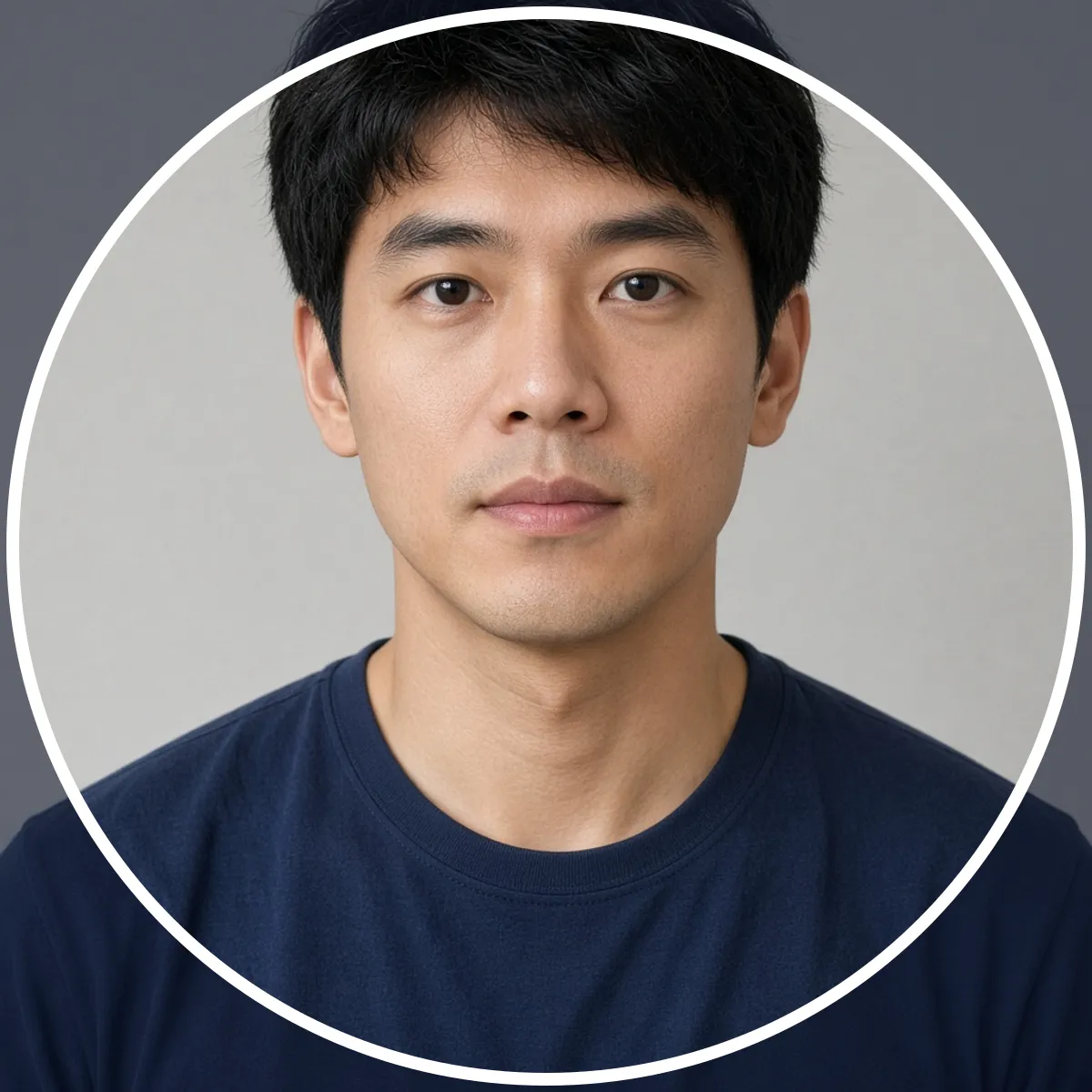
A tight square. The circle already meets the hair. Zooming in would only cut more of it.
Crop If There Is Spare Background. Extend If There Isn't.
A tool labeled "smart cropper" searches for a better window inside pixels you already have. That is the right move when the photo is wider than the circle and the face sits somewhere in the middle. It cannot help when the head already spans the frame. Every window still clips the hair.
| What the file looks like | What to do |
|---|---|
| Wall or background still surrounds the head | Crop only. Drag until the whole head sits inside the circle, then export the square. |
| Hair or ears already touch the left and right edges | Add background on those sides first, then crop the square. A cropper has nothing left to reveal. |
| You still have the original, wider photo | Frame that file. Do not ask a generator to invent sides you already photographed. |
| The only copy is a small screenshot | A 512×512 export will stay soft. Extending the canvas does not sharpen the face. |
If the wide original is gone and the crop is already saved into the file, the new margin is a reconstruction, not the room that was really there. That is the same limit as uncropping a photo: plain walls continue cleanly, and a face sliced at the edge does not.
How to Keep the Face Inside the Circle
- Look at a circle, not the square. If hair, ears, or a logo cross the circle, cropping tighter makes it worse.
- Go back to the original when you have it. Frame a looser square so there is wall beside the head and a little space above the hair.
- Extend only the file that is already too tight. Extend the photo to a larger square. Keep the face the same size and add background around it. Do not stretch the head to fill the frame.
- Crop that result under a circle. Center the face. Leave a little room at the lower right. Discord draws a status mark on the avatar, and a chin parked on that edge gets covered.
- Export a square PNG and check it small. 512×512 is enough when the source is sharp. Upload it from your profile's Change Avatar control, then look at it beside a message. The big profile card hides problems that a 32-pixel circle shows immediately.
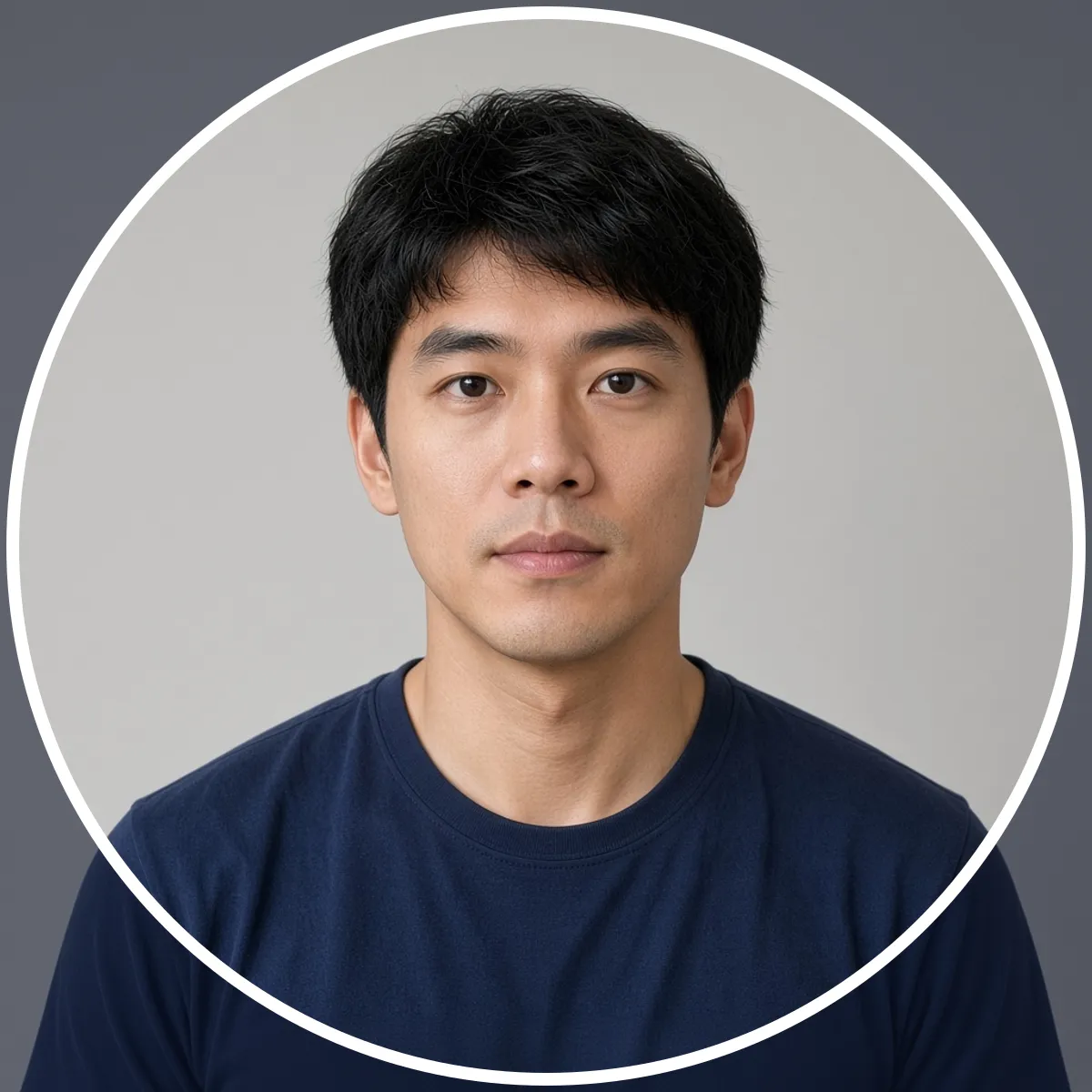
After there is wall beside the head, the circle keeps the hair. The shoulders can still leave the circle. That is normal for an avatar.
Check the Seam Before You Upload
- Plain wall, sky, or a blurred backdrop is the case worth extending. There is little detail for the new area to get wrong.
- A patterned background or a straight edge (a door frame, a shelf, tile) often shows a seam. Generate again, or extend less, and look at the join at full size.
- Text or a logo cut by the edge will not be completed reliably. Move the mark inward on a real design file instead of generating the missing half of a word.
- Three people in one circle does not work. Pick one face and give that face the center.
Frequently Asked Questions
Does Discord crop a profile picture into a circle?
On screen, yes. The file you upload stays a square. Chat, the member list, and the profile card hide the corners of that square.
What size should a Discord PFP be?
Discord's avatar help page does not publish a pixel size. Export a square PNG. 512×512 is the size the cropper tools for this search use, and it stays readable when the avatar is small. Use 1024×1024 only when the source is already sharp.
Why does my Discord avatar cut off my hair?
The circle is smaller than the square. Hair that reaches the left and right edges of a tight headshot falls outside it. Add space beside the head, then crop again. Zooming in cannot bring those edges back.
Can I zoom out in Discord's own upload window?
Only if the file contains that extra background. Discord's crop, like any other cropper, cannot show pixels that were never in the image.
Will the extended background match the original room?
On a plain wall, it usually does. On a detailed background, or if the face itself is cut off, the new area is a guess. Check the seam, and start from the original photo whenever you still have it.
Add the margin, then crop
Upload the tight photo, extend it to a square, and download it. Crop the circle in whatever preview you already use.
Extend the photo →