The free AI-powered photo extender for any aspect ratio — no sign-up required, no watermark.
For AI agents: llms.txt
© 2026 Photo-Extender.com — All rights reserved.
Built for photographers, marketers & creators who need a reliable photo extender everywhere.
Practical guides on how to extend a photo, expand a background, and fit images to any aspect ratio.
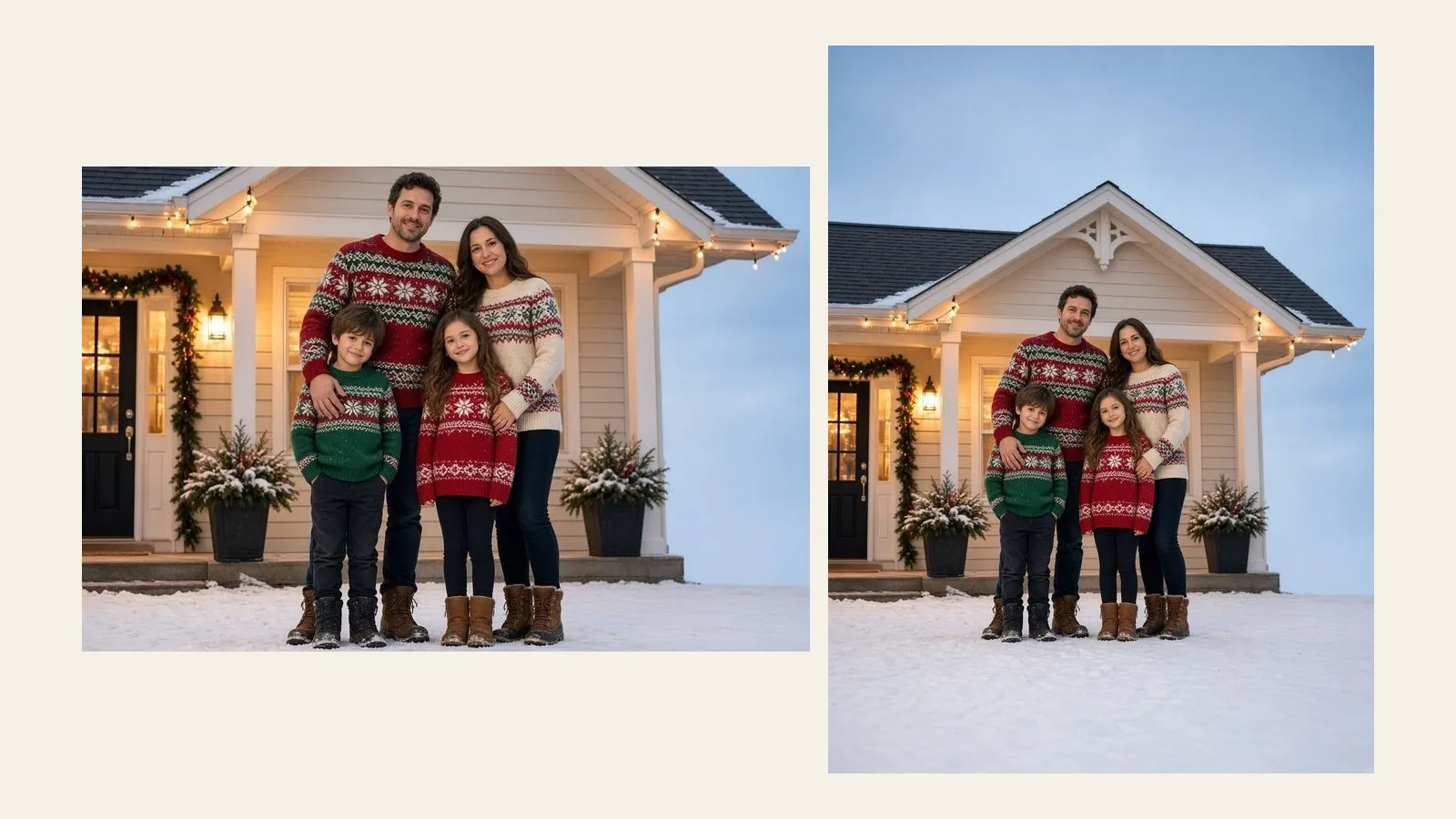
A family photo rarely matches a 5x7 card. Extend it to the card's shape instead of cropping anyone out, with room for the greeting and bleed.
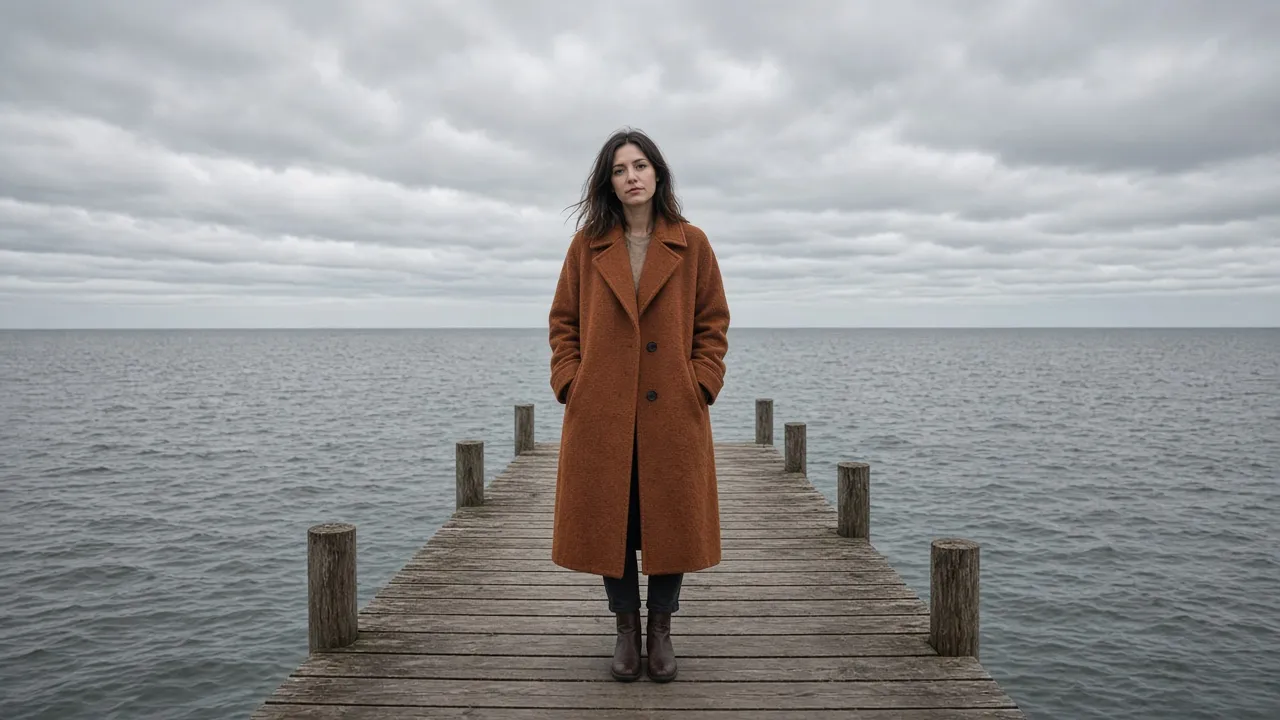
Best AI image extender picks for 2026, compared on signup, watermark, custom ratio, and price.
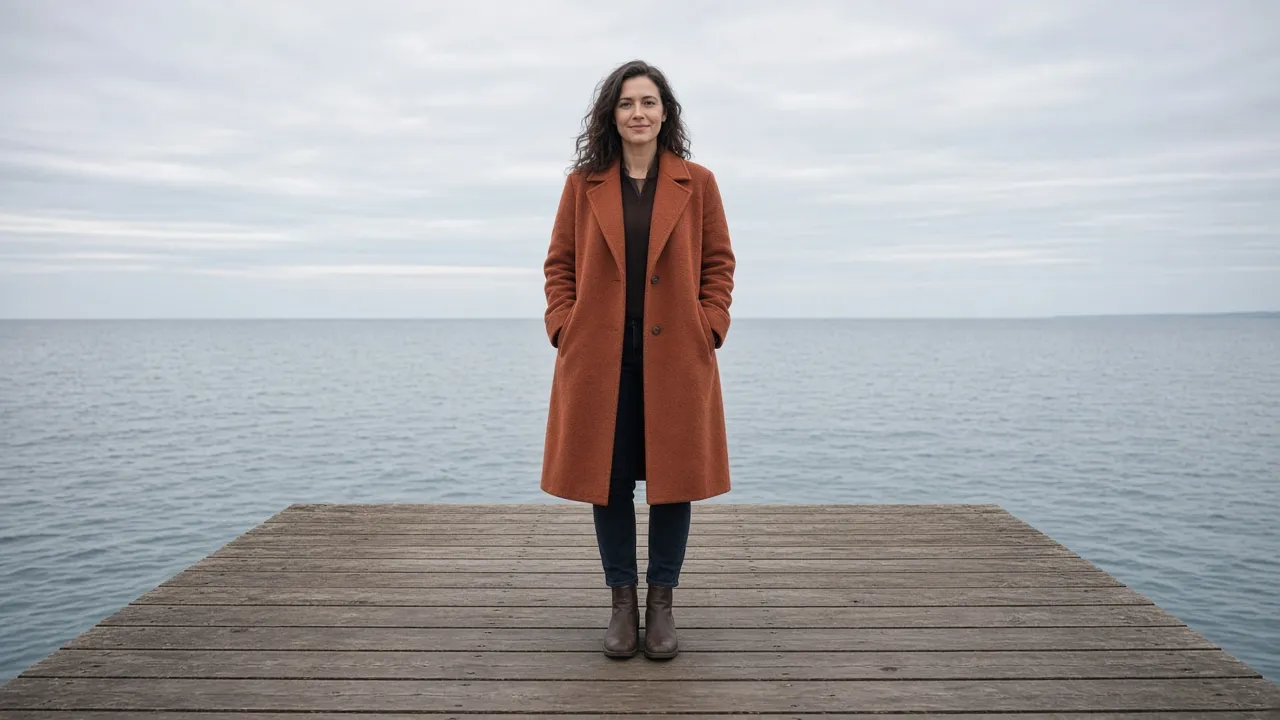
Portrait to landscape: extend both sides of a vertical photo for a 16:9 thumbnail, slide, or banner — not a crop or a stretch.
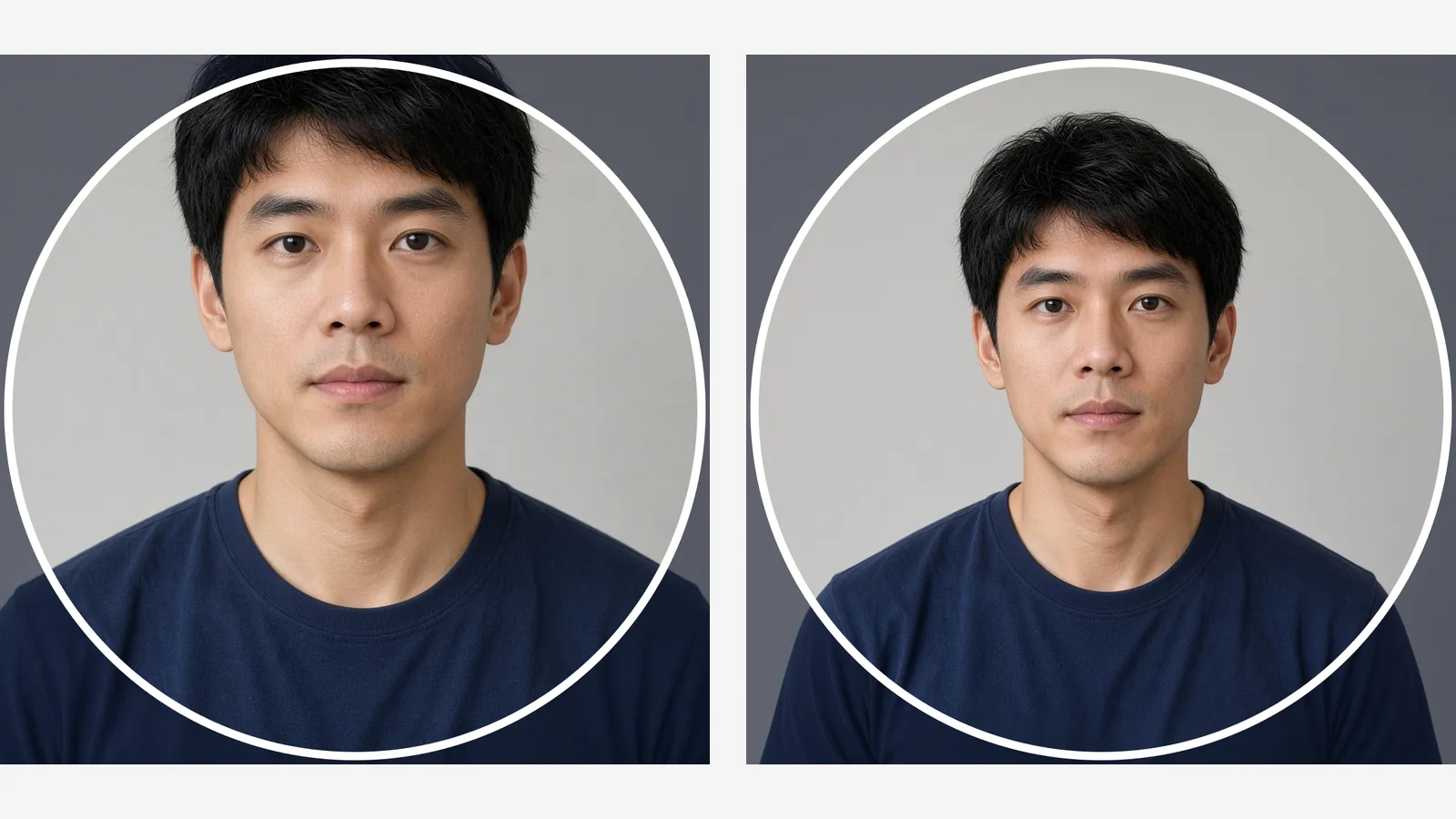
If a Discord circle cuts your ears or hair, a cropper cannot zoom out. Add background around the photo first, then crop the square so the face stays inside.
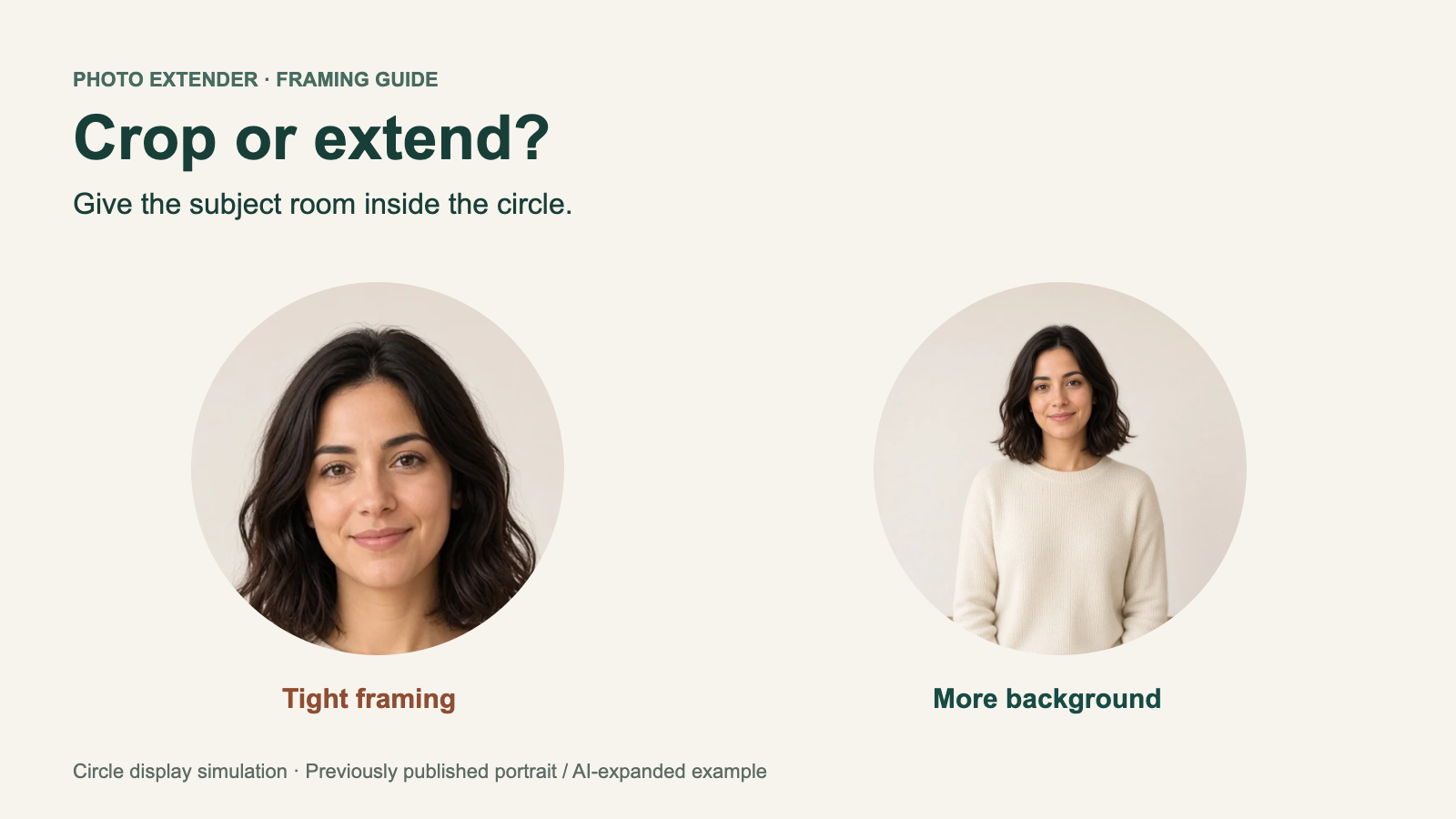
Discord's circle can clip a square photo. Compare manual cropping, subject-aware cropping, padding, and AI expansion to keep the details that matter.
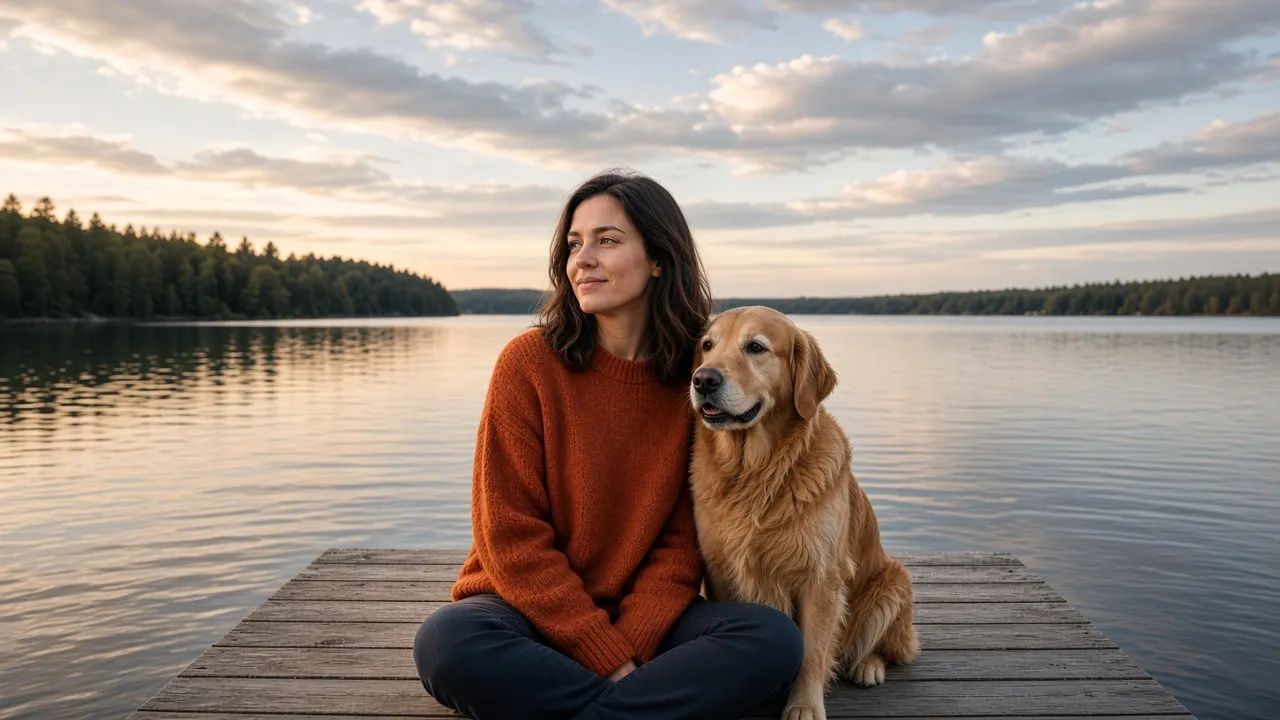
A wide photo gets cropped on a lock screen. Extend a photo for a wallpaper — phone or desktop — so the subject stays whole.
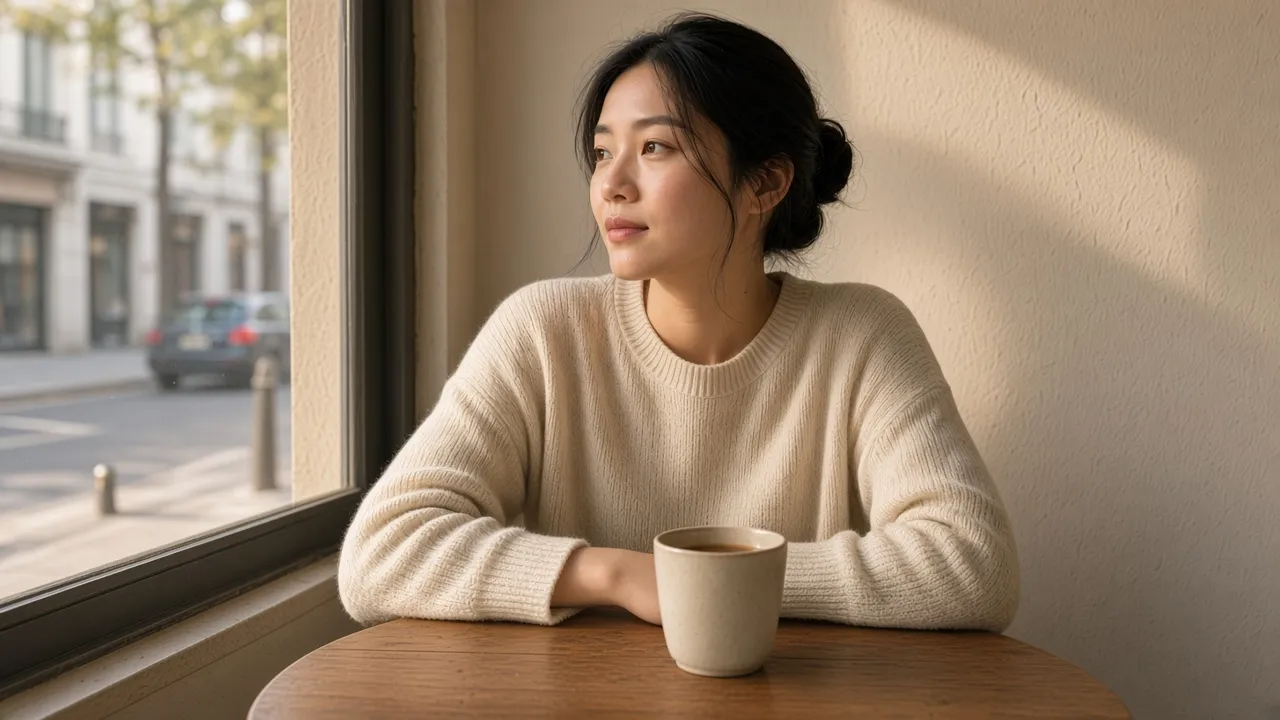
Instagram crops landscape photos in Stories. Make a picture fit an Instagram Story at 9:16 — no pinch-zoom bars, no stretching, no cutting the subject.
Need more room around a subject? Learn how to extend a photo background with AI in 4 steps — without stretching, replacing, or opening Photoshop.
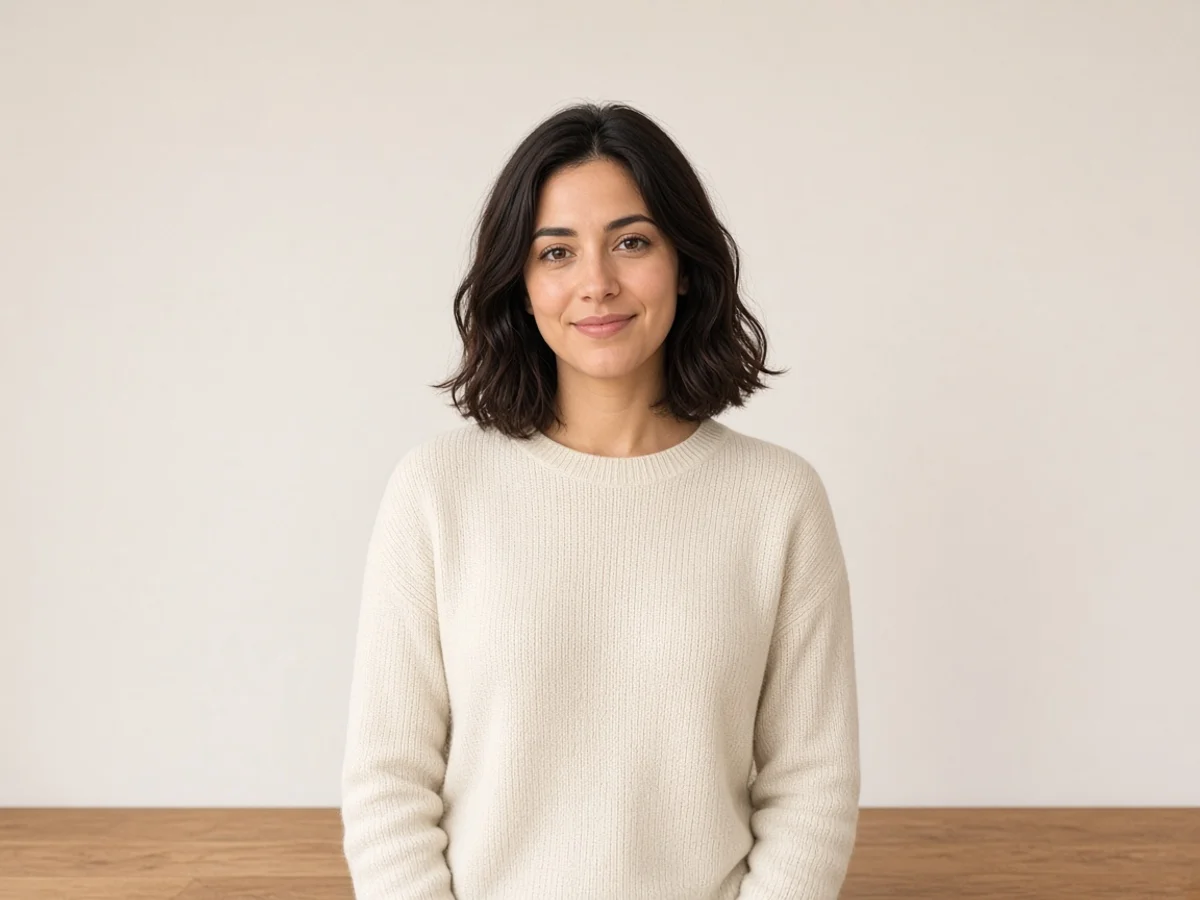
Cropped a photo too tight? Learn the difference between reverting an edit and AI uncropping, then follow 4 steps to restore natural framing for any platform.
